<- View all workflow automations

Split and rename PDFs based on content

Lido splits combined PDFs by content boundaries and names each file automatically.
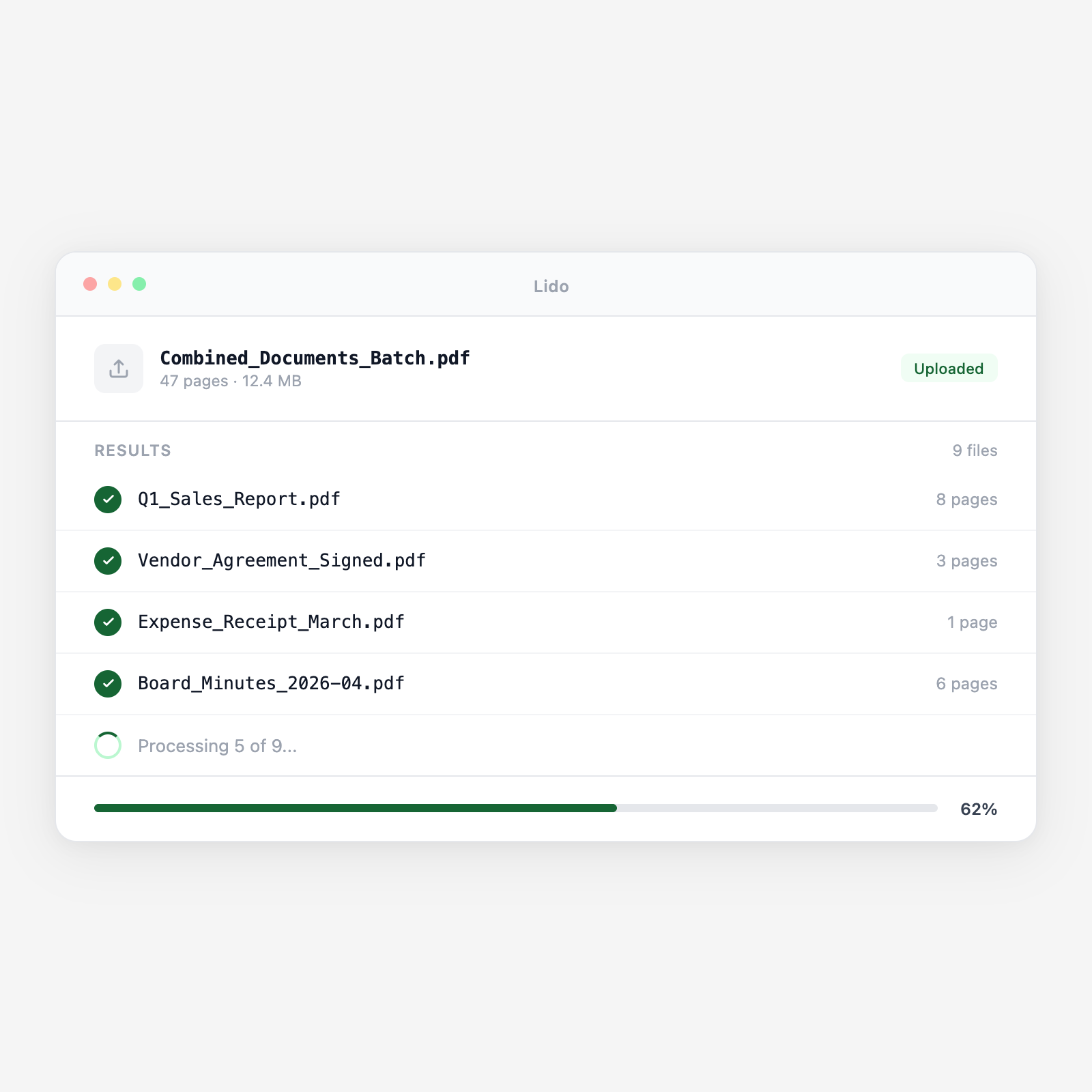
  • Split by content. Splits where the document type changes — by barcode, blank page, or content shift.
  • Rename by data. Each file named from extracted fields: invoice number, patient name, case ID.
  • Route automatically. Named files go to the right folder, drive, or workflow step.
Trusted by thousands of finance and operations teams

How split and rename works in Lido

1

Upload

Drop a batch of PDFs or connect a watched folder.

2

Split by content

Lido detects where one document ends and the next begins.

3

Rename by content

Each file named using data extracted from the page.

4

Route

Named files go to the right folder, drive, or workflow.

Why automate this with Lido?

The manual version

  • Open a combined PDF, scroll to find boundaries, and split by hand.
  • Read the first page, type a filename, save, and repeat for every document.
  • The same tedious steps run on every batch with no efficiency gain over time.

The automated version

  • Drop the combined PDF and it splits on content boundaries automatically.
  • Each file is named from extracted fields—no manual reading or typing.
  • The same rules apply to every future batch with zero reconfiguration.
Batch processing

Splitting is step one. Naming is step two. Both should be automatic.

Try Lido free and process your first batch in minutes.

Stop splitting and renaming files by hand

Try Lido free. Upload a combined PDF and get named, split files in minutes.