


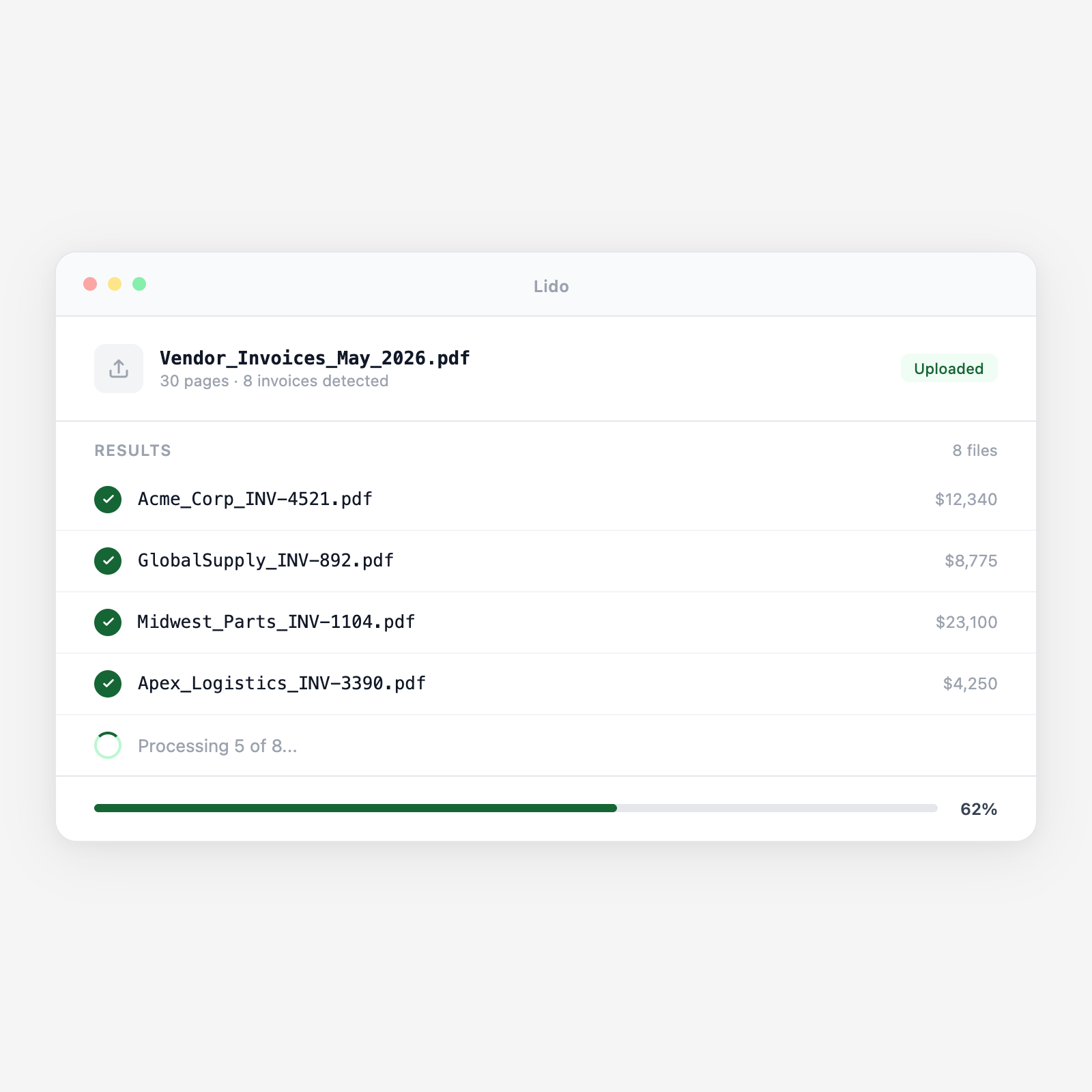
Lido splits combined invoice packets, names each file by vendor and number, and routes it.
.png)
.png)




Lido splits bulk invoice PDFs, reads each invoice, and names every file for your ERP or workflow.
Combined PDFs land in a shared inbox, watched folder, or direct upload. Lido picks them up automatically.
Each page is read. Lido detects where one invoice ends and the next begins by header changes, vendor shifts, or content patterns.
Vendor name, invoice number, date, and amount are read from each split document. Files get named consistently: Acme_Corp_INV-2024-0847_2024-03-15.pdf.
Each file goes to a vendor subfolder, ERP import queue, or approval workflow. Routing rules run on every batch.
One PDF with multiple invoices from the same vendor, split by boundary.
Invoices from different vendors scanned into one file, split by vendor.
Multiple invoices sent as one attachment, processed like scanned batches.
Invoice + remittance docs separated and named correctly.
Try Lido free and split your first invoice batch in minutes.
Lido splits and renames to match your ERP’s naming convention, ready for import.
Invoices over $10K to the controller, under $10K to AP. Lido reads totals and routes.
Each invoice named with vendor and filed in the right subfolder for reconciliation.
Lido reads ship-to addresses and routes invoices to the correct location’s queue.
%20(1).svg)
