


Lido reads commercial invoices for international shipments and extracts line items, values, HS codes, and trade terms for your customs broker or compliance system.
.png)
.png)




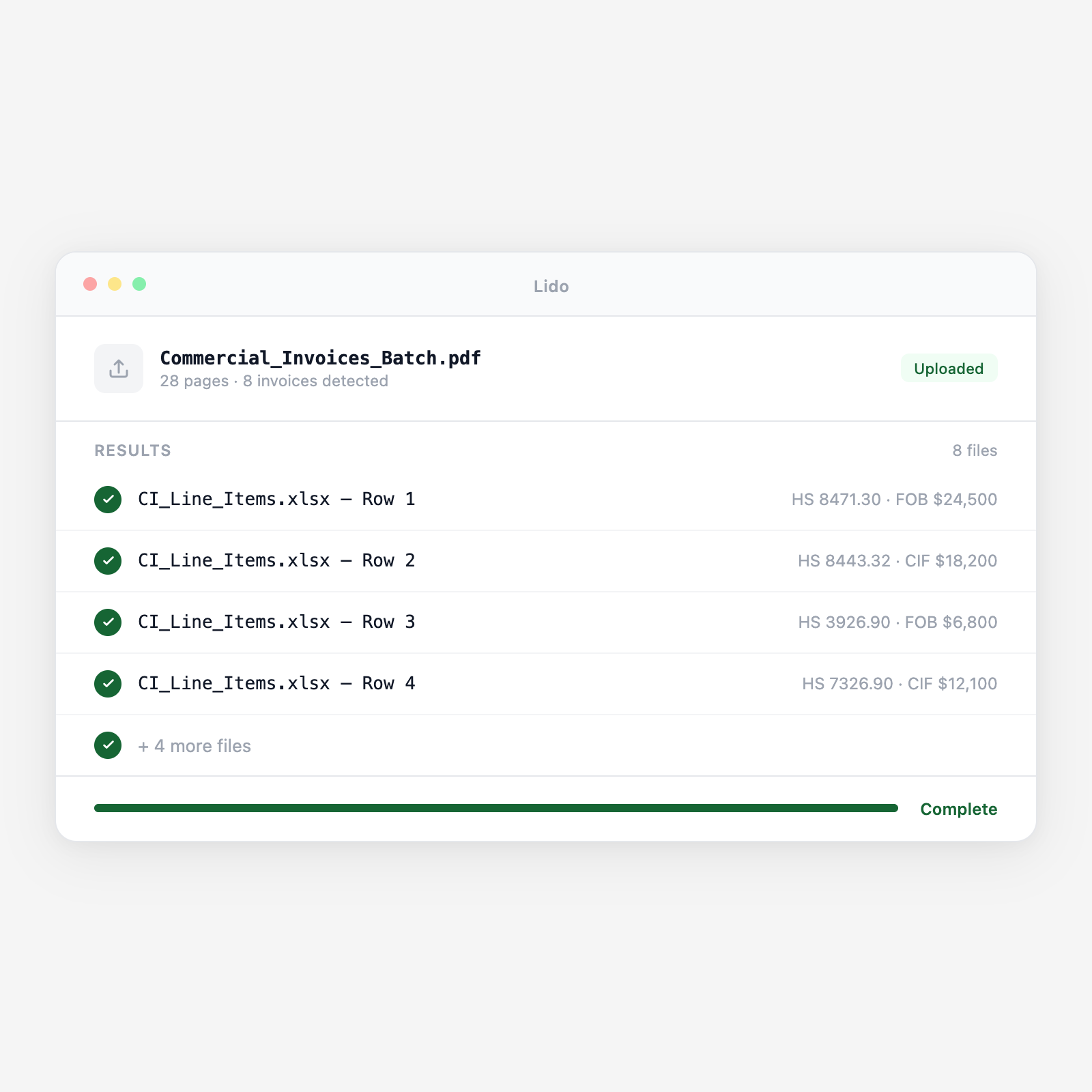
Lido extracts every line item, HS code, and declared value from any seller invoice for customs entry prep.
Commercial invoices arrive as PDF email attachments from foreign sellers or freight forwarders, or via trade finance platforms and EDI feeds. Scanned and image formats are handled identically.
Seller, buyer, importer of record, invoice number, date, payment terms, currency, incoterms and named place, country of origin, and ports are extracted to populate the customs entry and trade finance record.
Per line: goods description, HS/HTS code, quantity, unit price, total value, country of origin, and manufacturer. Lines missing HS codes are flagged for broker classification. One output row per invoice line.
Line values are summed against the invoice total and discrepancies flagged. Payment terms are structured. Prepaid freight and insurance amounts are extracted separately for CIF value calculation.
Output is a line-item dataset with seller, buyer, incoterms, HS code, value, quantity, origin, and currency, mapped to your ACE entry template or customs management system. Each line traces to the source page.
Upload a batch and get structured output in minutes.
Multi-line invoices from manufacturers and trading companies. Any layout, currency, or language for numeric fields.
Pro formas used for import permits, letters of credit, and advance customs declarations. Same extraction as final invoices.
Country-specific formats with mandatory fields for the importing country's customs authority. All fields extracted.
Combined documents with commercial invoice and packing list data extracted separately from a single file.
Invoices prepared for L/C compliance. L/C number and document requirement fields extracted alongside standard data.
Related-entity invoices with transfer price, transaction value, and related-party indicator for customs valuation audit.
| Feature | Lido | Manual keying |
|---|---|---|
| Extract all line items, HS codes, and values from any seller invoice format | ✓ | ✗ |
| Validate HS code format completeness per importing country requirements | ✓ | ✗ |
| Cross-reference line totals against invoice grand total | ✓ | ✗ |
| Handle multi-currency invoices with currency field preserved per line | ✓ | ✗ |
| Output ACE-ready structured data mapped to your entry prep format | ✓ | ✗ |
| Read each invoice line and type every field into the ACE entry by hand | ✗ | ✓ |
Extract commercial invoice line items with format validation, catch classification errors before ACE submission.
A licensed customs broker prepares 60 formal entries per week for import clients ranging from consumer electronics to industrial components. Commercial invoices average 25 line items across multiple HS classifications. Lido extracts each invoice and delivers ACE-ready structured data, reducing entry prep time per shipment from 50 minutes to under 12.
A specialty goods importer sources from 60 foreign sellers across 15 countries. Sellers list their own HS codes on commercial invoices, accuracy varies widely. Lido extracts the seller-stated HS codes from each invoice and flags incomplete or format-invalid codes before documents reach the broker, reducing broker amendment fees and CBP inquiry risk.
A trade finance team at an importer verifies that commercial invoices presented for letter of credit drawing comply with L/C terms, correct goods description, unit price within tolerance, correct incoterms, and required markings. Lido extracts the commercial invoice fields for automated L/C compliance checking against the terms in the L/C document.
A freight forwarder prepares customs document packages for 80 client shipments per week. Each package requires extracted data from the commercial invoice and packing list to complete the broker hand-off summary and verify that invoice and packing list quantities agree before documents are submitted for entry. Lido extracts both documents and cross-references quantities automatically.
%20(1).svg)
