


Lido reads bills of lading from any carrier and outputs structured data for your TMS. Shipper, consignee, items, weights. No per-carrier templates.
.png)
.png)




Every carrier formats BOLs differently. Lido reads any format and delivers TMS-ready structured data.
Bills of lading arrive by fax, email, or carrier portal download. Lido picks them up from a watched inbox or shared folder. Multi-page and multi-container BOLs are processed as a single document.
Shipper, consignee, notify party, BOL number, booking number, vessel, voyage, ports, ETD, ETA, and freight terms are extracted to populate the TMS shipment header.
Per container: container number, ISO type, seal number, cargo description, packages, weight (kg/lbs), volume (CBM), and hazmat declarations. Multi-container BOLs produce one row per container.
Rubber-stamp endorsements and handwritten corrections are captured. Amended fields show both original and corrected values, flagged for coordinator review before TMS entry.
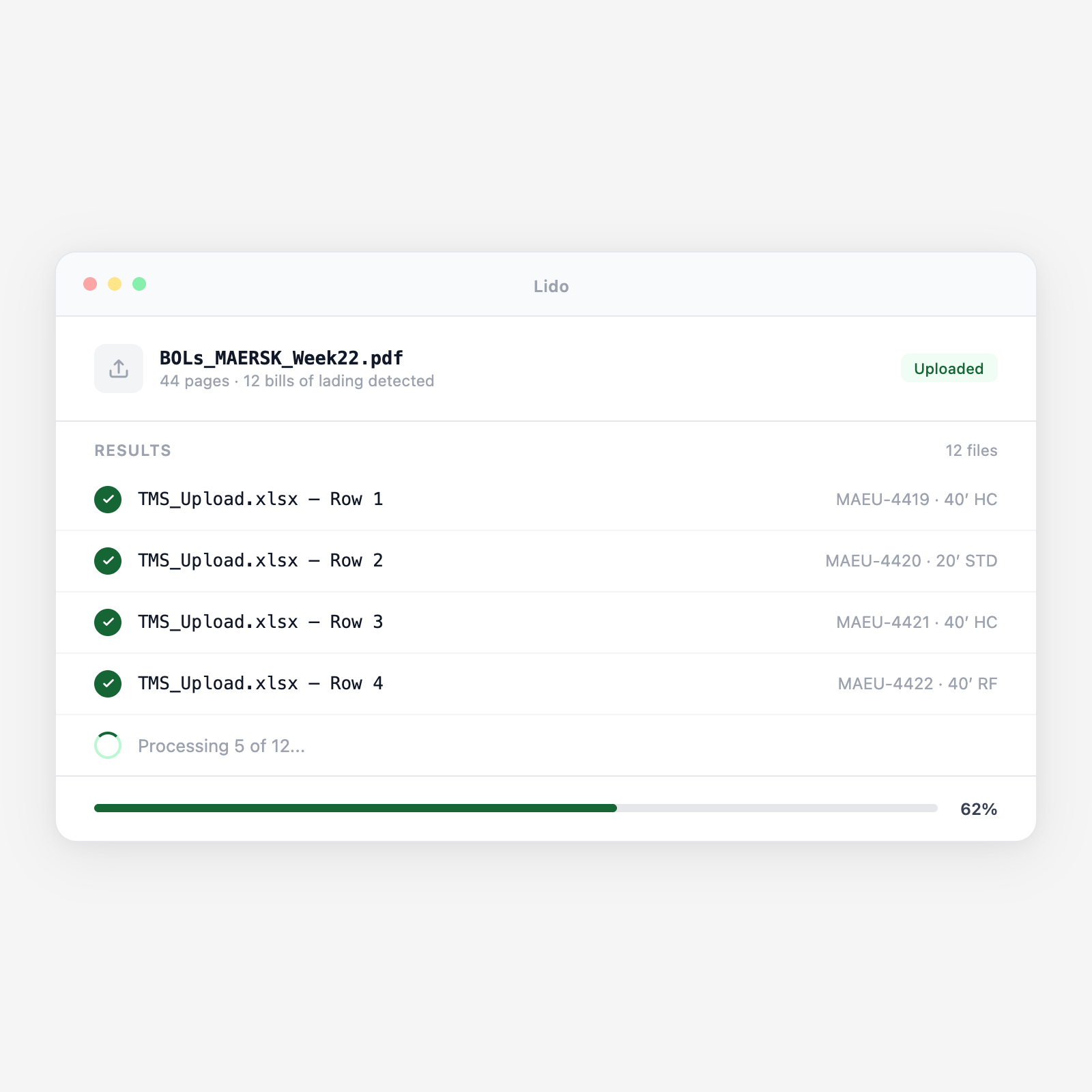
Output is a TMS-ready spreadsheet with one row per container plus a WMS receiving format. Each row includes the source BOL reference for traceability.
Upload a batch and get structured output in minutes.
Full original and telex release ocean BOLs from FCL and LCL shipments. All major carrier formats extracted without templates.
Freight forwarder-issued house bills for consolidated LCL cargo, including NVOCC name and individual consignee breakdown.
Master and house air waybills with flight number, airport codes, commodity codes, chargeable weight, and declared value.
Domestic truck and rail BOLs with PRO number, carrier SCAC code, commodity description, and freight class.
Combined transport documents covering sea-air, sea-rail, or road-sea with per-leg carrier, routing, and dates.
Non-negotiable seaway bills and express release documents. Same field extraction as original BOLs.
| Feature | Lido | Manual keying |
|---|---|---|
| Extract shipper, consignee, and routing fields from any carrier BOL format | ✓ | ✗ |
| Extract container numbers, seal numbers, and cargo detail per container | ✓ | ✗ |
| Read handwritten amendments and rubber-stamp endorsements | ✓ | ✗ |
| Handle scanned and faxed BOLs without quality preprocessing | ✓ | ✗ |
| Output TMS-ready structured data with one row per container | ✓ | ✗ |
| Open each PDF and re-key every field into the TMS by hand | ✗ | ✓ |
Extract BOL data automatically across all your carriers. Your team reviews exceptions, not every field.
A freight forwarder manages 120 active ocean shipments across 15 carriers. BOLs arrive from carrier portals daily as PDFs in varying formats. Lido processes each BOL batch and feeds extracted container and routing data into the TMS, keeping shipment records current without a coordinator manually entering data from each carrier's document.
A 3PL warehouse receives inbound container shipments from 40 import customers. Advance copies of ocean BOLs are used to plan container receipt slots and pre-stage putaway assignments. Lido extracts BOL container detail automatically and feeds the WMS receiving schedule — 48 hours before the container arrives at the gate.
An importer with 200 ocean shipments per year receives carrier-issued BOLs that frequently have errors, wrong consignee address, incorrect container count, misquoted commodity description. Lido extracts the BOL data and compares against the booking confirmation, flagging discrepancies before the document is used for customs filing.
A customs broker prepares import entries for 50 shipments per week. The ocean BOL provides the foundational shipment data, consignee, shipper, vessel, container numbers, cargo description. Lido extracts these fields and pre-populates the entry preparation form, reducing manual data entry at the most time-sensitive point in the clearance process.
%20(1).svg)
